AI ring try on: try a ring on your hand online, free
A free AI ring try on in your browser: pick a hand close to yours and a ring, slide to compare, then save or share the picture. The version that starts from a photo of your own hand is next.
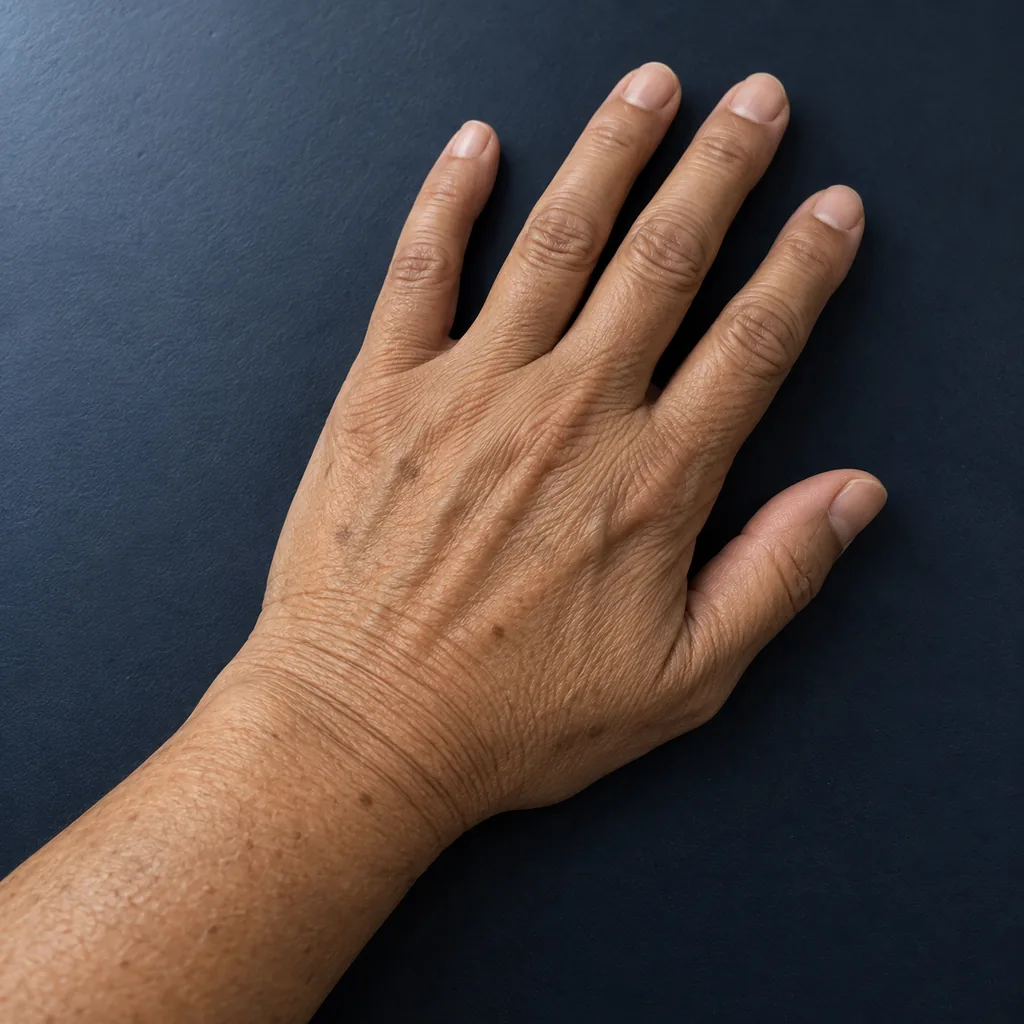
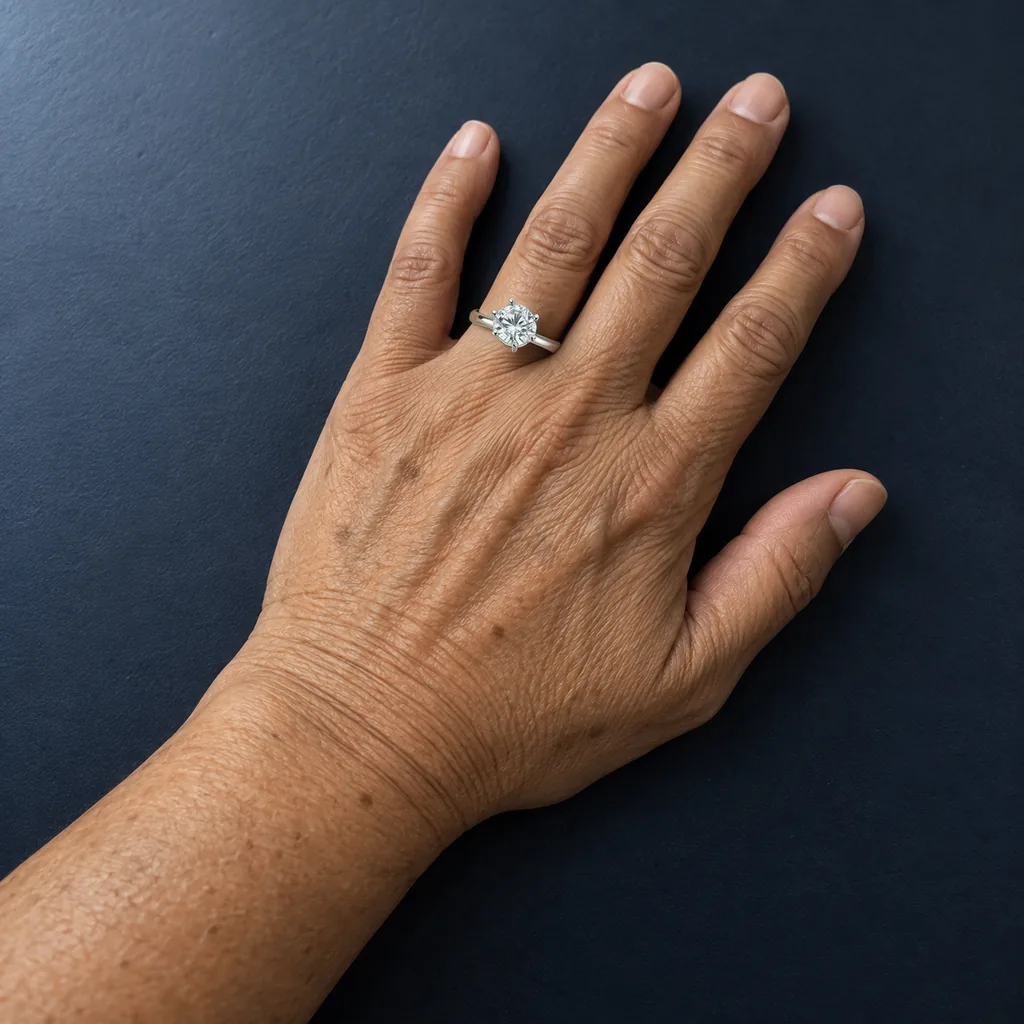
A ring shown on a hand, one ring at a time. Not a sizer, not a store.
Hand 10 of 12, round solitaire, white gold.
Drag the gold handle or tap anywhere on the picture. On a keyboard, tab to the slider and use the arrow keys; Home and End jump to each side.
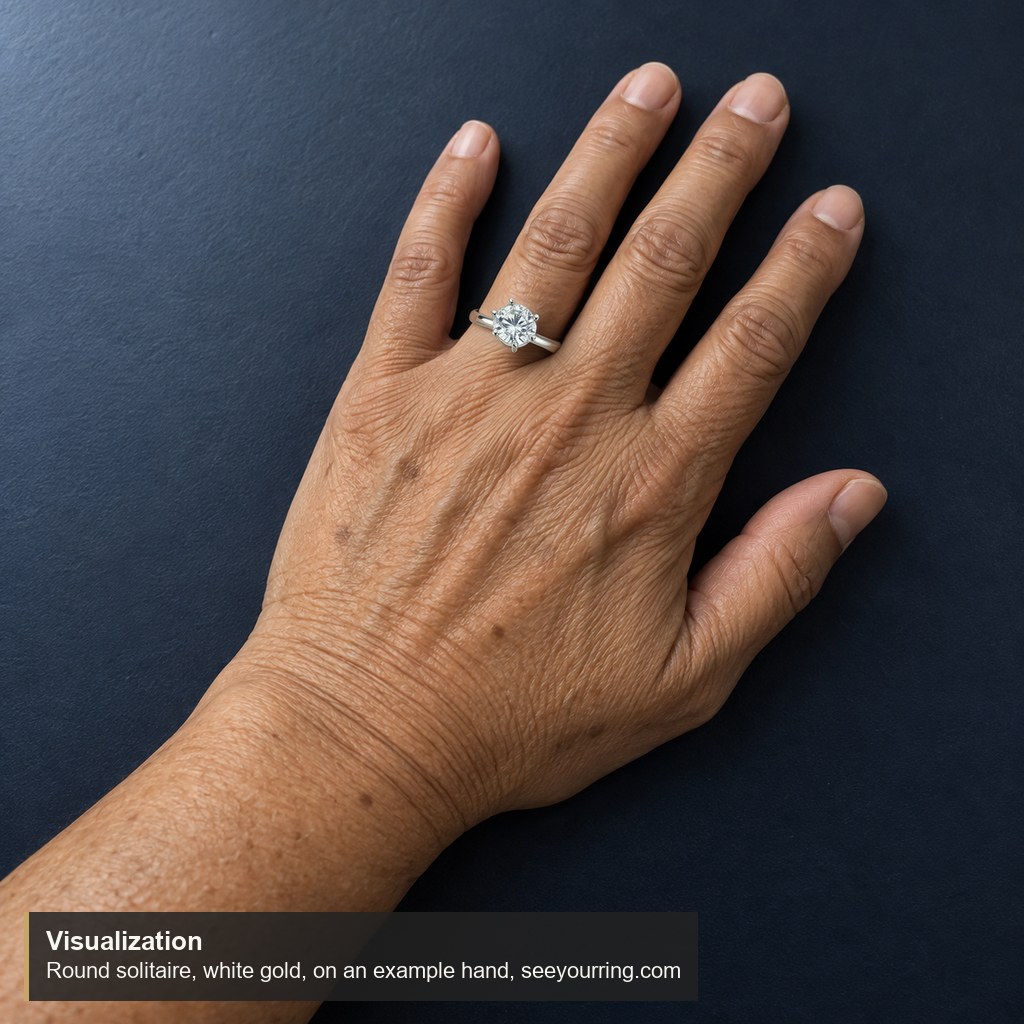
A try-on from your own hand photo is coming
The next step for this site is a try-on that starts from a photograph of your own hand. The plan: you take the photo, choose a ring, and the try-on shows that ring on your own ring finger.
It is in private testing now. There is no date yet. When it is ready, the upload will appear on this page, and the privacy page will be updated first to say how photos are handled.
Until then, the example hands are the try-on, here and on the virtual ring try on home page. Pick the one closest to your own skin tone and hand shape; the way a band width or a stone shape reads on it gives a fair idea of how the style will look on yours.
What the try-on shows
-
01
One hand, one ring
Pick any of the twelve hands, then a ring from the rows beside it: thirty-five in all, engagement rings and women's bands on the women's hands, men's bands on the men's hands. The ring appears on the ring finger, where a ring is worn, at a size that looks right on that hand.
-
02
The design you picked
The ring on the hand matches the ring you chose in metal, width, stone and setting, so a halo reads as a halo and a brushed band as a brushed band.
-
03
Slide, share, save
Drag the handle to compare the hand with and without the ring. Share this view copies a link that opens the same pair anywhere, and Save picture gives you the pair as a JPEG with a small mark in one corner.
Questions about the try-on
Will the try-on work with a photo of my own hand?
Not in this version. Today the try-on runs on twelve example hands, and the version that takes your own photo is in private testing, with no release date yet. The example hands were chosen to cover a range of skin tones and hand shapes, so one of them should be close to yours.
Is the AI ring try on free?
Yes. There is nothing to pay and no account to open. Open the page, pick a hand and a ring, and slide. Saving the picture and copying a share link cost nothing either, and nothing about you is written into either one.
How do I save or share a try-on?
Save picture downloads a JPEG of the hand wearing the ring you picked, with the ring name in one corner. Share this view copies a link that opens the same hand and ring on any phone, tablet or computer, which is the easy way to show a partner or a jeweler.
Can I see two rings together?
One ring at a time, on the ring finger. Stacked sets and a band beside an engagement ring are not in this version. Switching between two rings on the same hand is the quickest way to compare them, because the hand does not move between the two pictures.
Does it need a phone, a camera or an app?
None of the three. The demonstration is a web page; it uses no camera and installs nothing. It works on a phone, a tablet and a desktop computer in a current browser. Keyboard users can tab to the slider and move it with the arrow keys.
Is this a ring sizer, or a way to find my ring size?
No. A ring shown on a hand, one ring at a time. Not a sizer, not a store. It shows how a style looks on a hand, and nothing about it measures a finger. A jeweler can measure your size in person, and the saved picture is a useful reference for the style when you visit.
More answers, including what the saved picture contains and how the share link works, are on the questions and answers page.